Brand and experience
Design content for large and unusual screen formats
A layout that reads well on a reception monitor may be cropped, poorly proportioned, or difficult to read on a large LED display. Portrait and unusually wide screens create different demands again. Designing for the actual installation avoids repeated redesign after the hardware arrives.
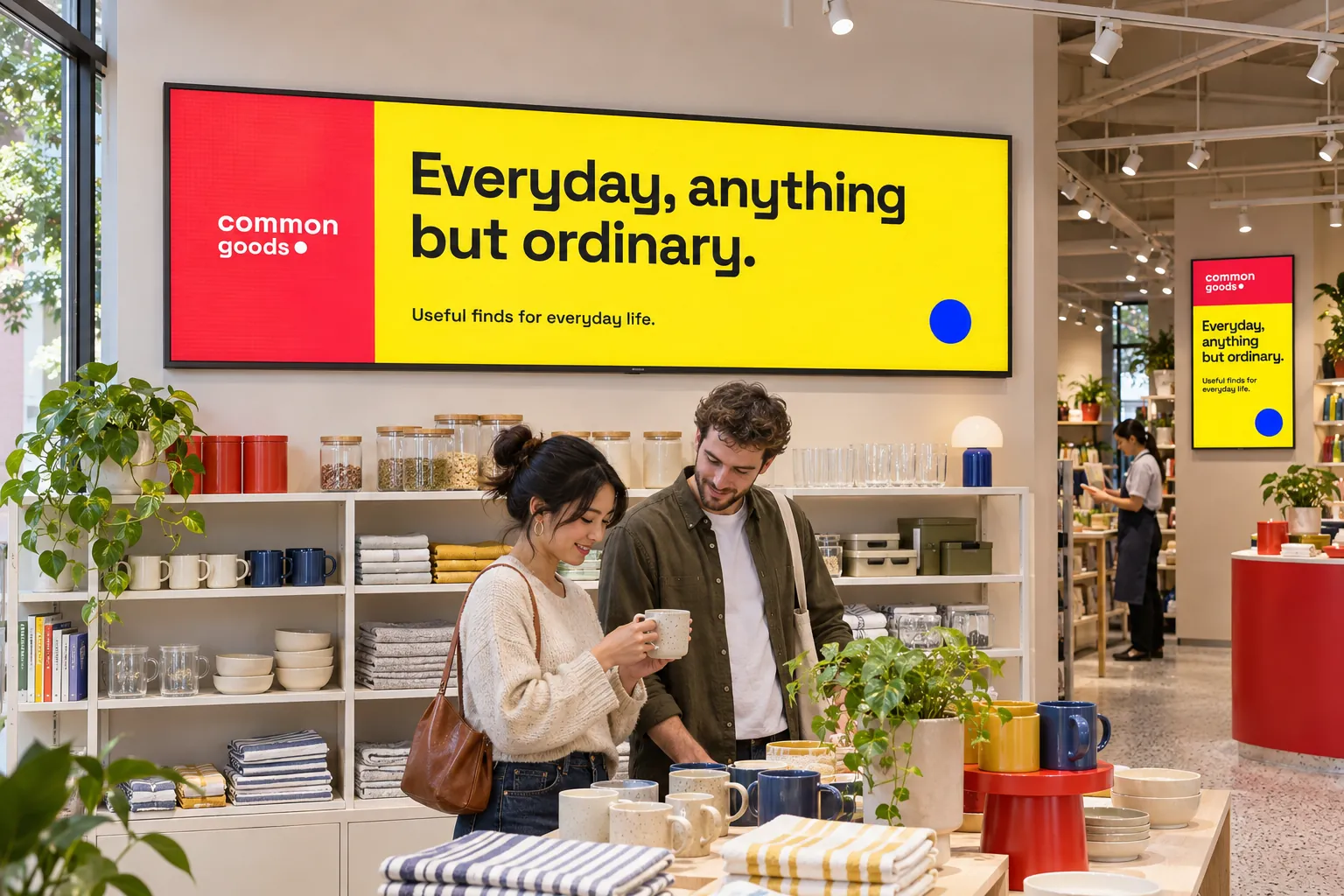
Before creating content, agree the display format and player capabilities with the installation team. Large LED displays may need purpose-made artwork; reception and public-venue screens need text sized for the places people actually stand. The screen's purpose and viewing distance matter alongside its dimensions.
Give the designer and installer the same requirements
For a public display with a distinct format, record:
- The display dimensions, resolution, and orientation.
- The viewing distance and information the audience needs.
- The player and firmware against which playback will be checked.
Template size explains how to set the design dimensions. With those requirements agreed, the designer can prepare a matching layout and representative content in the Media Library. Branding and information should remain legible in the intended proportions, not merely look attractive in the editor.
Agree responsibilities too. Designers check the format; AV and IT teams check playback; publishers check that the right screens receive the content. Include any installation partner in that agreement. Recording the player and firmware helps support distinguish a design problem from a playback problem and judge whether an update is appropriate.

Publish to the displays the design was made for
Screen folders can organize displays by location or hardware requirements. Bookings and channel assignments then deliver the prepared content to the intended screens. Reuse a suitable design pattern across several installations, while adapting and validating it for each environment.
For the public display, preview the matching content in the Media Library, then publish it through the channel and screen folder prepared for those displays. On the installation itself, check orientation, legibility, proportions, and complete playback.
A successful editor preview does not establish that every media type or combination will work on the target hardware. Test the actual player and screen before extending the design to other installations. Screens and Configure screen folders explain device information and organizing the displays.
If a player update is needed and available, an administrator with the required permission can start it with Player update in the screen's menu. Check playback afterwards.
Account for internal sources as well as the display format
A secure on-premises installation may need an internal webpage or data connection. Decide how that information should reach the design:
| Available source | Approach to investigate |
|---|---|
| Structured values | A data source that supplies those values to designed content. |
| A page already presenting the required view | Webpage media with compatible authentication and playback. |
Secured web views and partner integrations explain these choices. Test connectivity from the deployment and retain a fallback booking for content that depends on internal access.
A specialized display format or on-premises installation does not make every source or authentication method compatible. Check the source, player, and full design together before relying on them. For other display applications, browse the use cases.